
vnROM Bypass FRP
Tools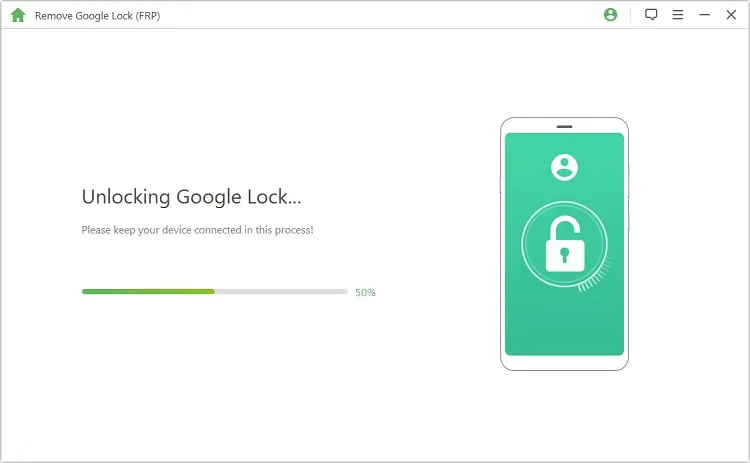
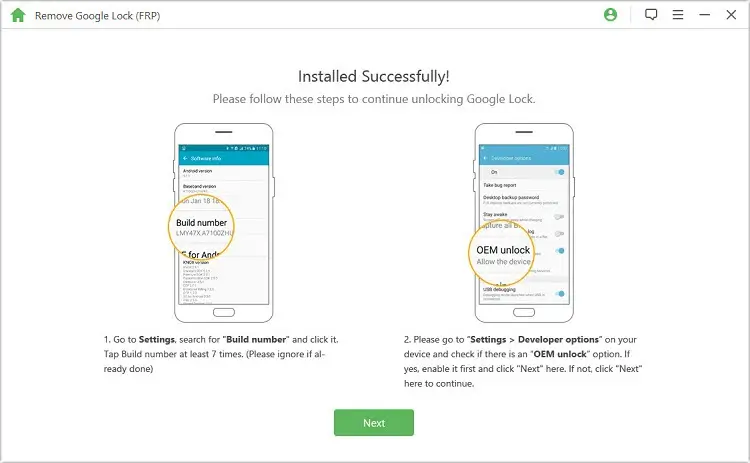
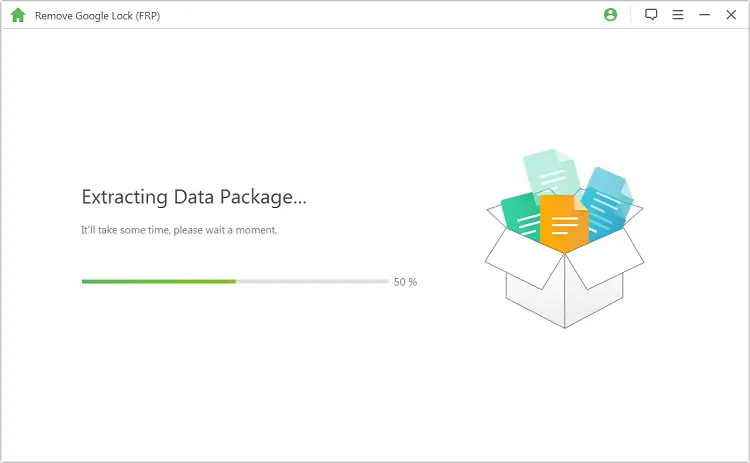
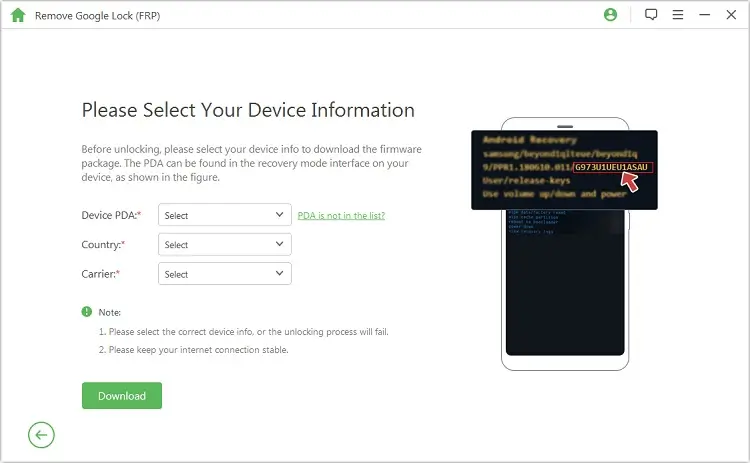
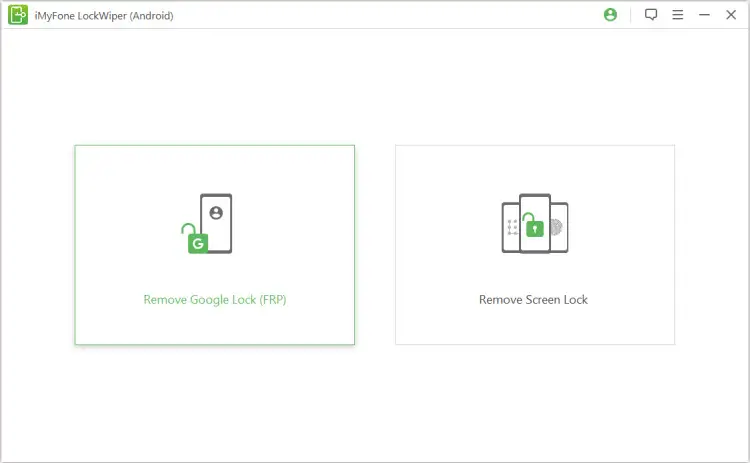
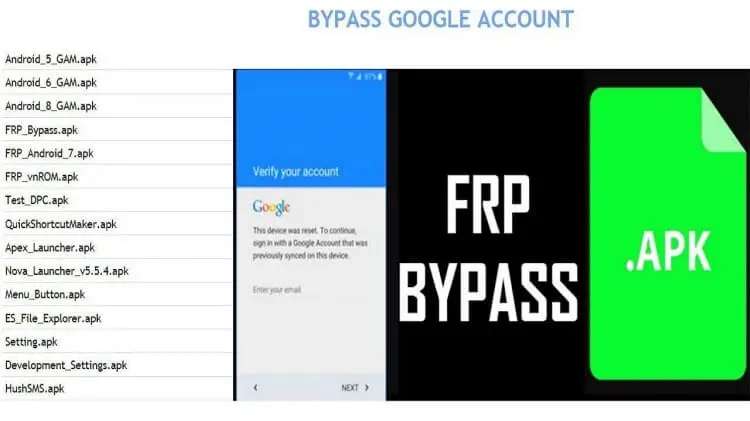

vnROM Bypass FRP is a utility designed to help users remove Android’s Factory Reset Protection (FRP) lock when they cannot access the original Google account. The tool is useful for people who have bought a second‑hand phone, forgotten their credentials, or need to reset a device that is otherwise blocked.
This page provides the latest version details, a step‑by‑step installation guide, troubleshooting tips, and safety considerations so you can decide whether the app fits your needs.
Quick Information
| App/Game Name | vnROM Bypass FRP |
| Latest Version | 2.1 |
| Developer | Not listed |
| Category | Apps / Tools |
| App Size | 28 MB |
| Package Name | Not listed |
| Last Updated | 22 December 2025 |
What Is vnROM Bypass FRP?
vnROM Bypass FRP is an Android application that attempts to bypass the FRP lock that manufacturers enable after a factory reset. Its core function is to allow the device to be set up without the original Google account credentials. The app is aimed at users who need a quick way to regain access to a locked phone, especially when official unlocking methods are unavailable.
Limitations include the fact that success can vary by device model, Android version, and manufacturer‑specific security patches. The tool does not guarantee unlocking for every phone and may require additional steps such as enabling USB debugging or using a computer.
Compatibility
| Android Version | Not Verified |
| Architecture (ARM64 / 32-bit) | Not Verified |
| Internet Connection | ✓ Verified — May be required for ads, updates, or login |
| Storage Needed | Not Verified |
| OBB/Data Files | Not Verified |
| Root Required | Not Verified |
How to Install
- Download the vnROM Bypass FRP APK file to your Android device.
- Before installing, go to Settings > Security > Install unknown apps (or Settings > Apps > Special access > Install unknown apps) and enable the source (e.g., your browser or file manager).
- Open the downloaded
vnROM_Bypass_FRP.apkand tap Install. - After installation, launch the app and follow the on‑screen instructions to start the FRP bypass process.
- When the process finishes, the device should restart and allow you to set up a new Google account.
Troubleshooting
- App not installed error: Ensure unknown sources are enabled and that the APK is compatible with your Android version.
- App crashes on launch: Clear app data via Settings > Apps, or reinstall the APK.
- Bypass does not work: The device model may be unsupported, or a recent security patch may have closed the exploit.
- Device restarts but remains locked: Try enabling USB debugging and repeat the process, or consider a different FRP tool.
Safety & Security
vnROM Bypass FRP is a modified utility that interacts with low‑level system functions. Before installing, verify the file’s integrity from a trusted source and review the permissions it requests. Avoid entering personal or financial information while the app is running. Because the app modifies the normal boot flow, future OTA updates may fail or re‑activate the FRP lock. Use the tool responsibly and only on devices you own or have explicit permission to modify.
How vnROM Bypass FRP Compares
| App | Price / Model | Platform | Standout Feature | Best For |
|---|---|---|---|---|
| vnROM Bypass FRP | Free | Android | Standalone APK, no PC required | Quick on‑device FRP removal |
| FRP Bypass (by XDA Labs) | Free | Android | Wide device compatibility list | Users needing broader model support |
| iBypasser | Free with ads / optional premium | Android | Integrated tutorial videos | Beginners who want guided steps |
| Samsung FRP Unlock | Free | Android (Samsung only) | Specific Samsung firmware handling | Samsung device owners |
Alternatives
- FRP Bypass (XDA Labs): A community‑maintained tool with an extensive list of supported devices and regular updates.
- iBypasser: Offers video guides and a user‑friendly interface, making it suitable for less‑technical users.
- Samsung FRP Unlock: Tailored for Samsung phones, handling Samsung‑specific security patches.
- Google Find My Device (official): While not a bypass tool, it can sometimes reset FRP if the original account is still accessible.
Final Verdict
vnROM Bypass FRP provides a straightforward, free method to attempt FRP removal directly on the device. It works best on older or less‑patched Android versions and offers the convenience of not needing a PC. However, success is not guaranteed for newer models, and the tool may interfere with future system updates. Verify compatibility, back up any important data, and use the app only on devices you own or have permission to modify.
Frequently Asked Questions
The app works with system-level functions, so use it only on devices you own and download the APK from a trusted source.
It is most effective on Android 6‑10; newer versions may have additional security patches that block the bypass.
Root is not required, but enabling USB debugging can improve success rates.
Yes, you can install it as a separate utility; it does not replace any existing system app.
This usually means your device blocks unknown sources or the APK is incompatible with your Android version.
Modifying system security may affect warranty coverage, depending on the manufacturer’s policy.
Only the latest version (2.1) is provided; older builds are not listed.
An internet connection is required to download the APK, but the bypass process itself works offline.